 English
  Nederlands
  Español

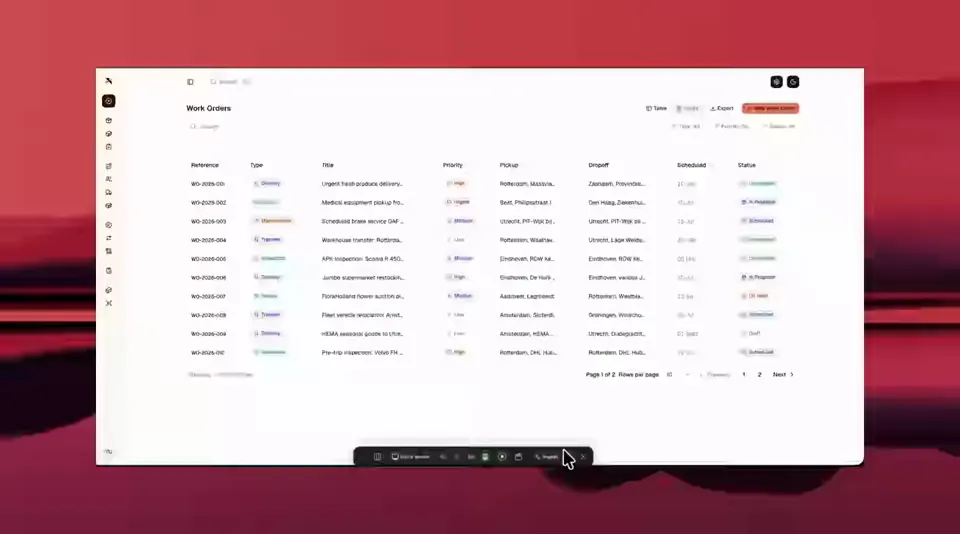
Every operation has a moment where data is born: a scan on the shop floor, a signature at the door, a photo taken during an inspection. Manual data entry stops being a cost when that moment writes straight into your systems instead of into a form somebody fills in later.
Capture, validate, sync
- 01
Capture
Scanners, phones and tablets read barcodes, tags, photos and signatures at the point of work.
Drivers and warehouse staff get a screen built for one hand and gloves, not a desktop form squeezed onto a phone.
- 02
Validate
Rules run where the data is created: required fields, check digits, expected quantities, mandatory photo evidence.
Wrong data is rejected in front of the person who can still fix it, not three days later in an office.
- 03
Sync
Validated records queue and push into your WMS, TMS, ERP or customs environment, with an audit trail of who captured what, when, and on which device.
What you get
- Capture apps for rugged Android handhelds (Zebra), phones, tablets and desktop browsers
- Offline-first: scans, photos and signatures keep working without signal and sync on reconnect
- Photo, signature and timestamp evidence attached to every record automatically
- Direct writes into WMS, TMS, ERP and customs systems — no spreadsheets changing hands
Where manual data entry actually breaks
Most operations do not lose money on the typing itself. They lose it on what happens around it: a delivery note that reaches the office after the truck has left, a quantity that disagrees between the warehouse system and the invoice, a photo that never makes it into the claim file because it stayed on a phone.
We look for the three patterns worth automating first: data written down twice, documents waiting for a human, and errors that are only discovered downstream.
Typical failure points
- Paper delivery notes collected at the end of the shift and typed in the next morning
- Warehouse quantities reconciled against invoices instead of captured at the dock
- Proof of delivery living on driver phones, out of reach when a claim is filed
- Master data — customers, addresses, article numbers — maintained in two systems at once
Devices and interfaces we build for
The interface has to fit the environment: a rugged handheld in a cold store, a phone in the rain at a customer's door, a tablet mounted on a forklift, a browser for the dispatcher who stays inside.
Unless a native capability is genuinely required, we build the capture layer as a mobile-first web app, so adding a device is a deployment instead of a rewrite.
- Zebra and Android handhelds with hardware scanner integration
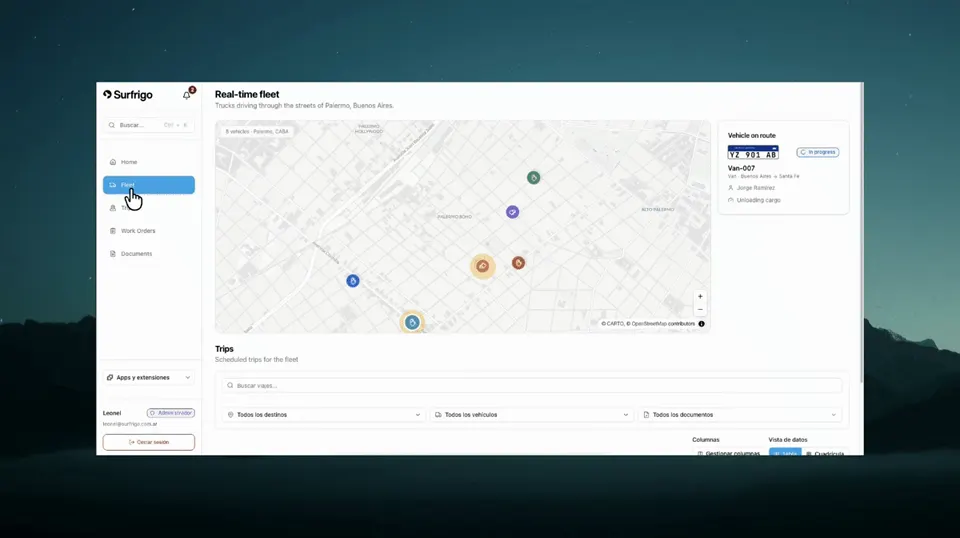
- Driver apps with offline queue, photo capture and customer signature
- Warehouse flows for receiving, putaway, picking and cycle counts
- Field verification with before/after photo evidence, as built for ProMax
Offline, languages and audit trail
Logistics work happens in basements, containers and dead zones. A capture app that needs a connection is a capture app that gets bypassed with paper.
We treat offline as the normal case: writes go to a local queue, conflicts are resolved by rule, and every record carries the identity of the device and the user that created it.
- Local queue with automatic retry and conflict resolution on reconnect
- Interfaces in Dutch, English, Spanish and the languages your crews actually speak
- Per-device and per-user attribution for every scan, photo and signature
- Role-based access so a driver sees their route and nothing else
Frequently asked questions
Do our people need to be online for the capture app to work?
No. The apps are offline-first: scans, photos and signatures are stored locally and pushed as soon as the device finds a connection. Sync conflicts are resolved by rule, and nothing is lost if the app is closed mid-shift.
Which devices can we keep using?
Anything running a modern browser, plus the rugged Android handhelds already common in warehouses. We integrate hardware scanners where the volume justifies it, so staff scan with the trigger instead of typing on glass.
Can it write into our existing WMS, TMS or ERP?
Yes. That is the point of the exercise: validated data is pushed into the systems you already run, through their APIs or a direct database interface, instead of being exported to a file somebody imports.
How long does a capture rollout take?
A first working flow — one process, one device type, one system of record — typically goes live in weeks rather than months. From there we extend process by process, so value arrives before the project ends.
Do you work with operations outside the Netherlands?
Yes. We work from Rotterdam with clients across Europe and Latin America, and we build multilingual interfaces as a default rather than an extra.
The other data capabilities
Capture, extraction and communication are one pipeline. Most operations start where the pain is highest and extend from there.
Where is your operation still typing data twice?
Tell us which process hurts — the delivery notes, the dock reconciliation, the inspections — and we will map what a capture flow would look like on your devices and in your systems.